Chapter 20
Moving the data in
Gary stares at the screen longer than usual.
The structure is there now.
The tables.
The columns.
The relations.
But only two parts of the store so far:
Records.
Artists.
Nothing else.
Which is when the thought hits him.
“So I have to type it all again?”
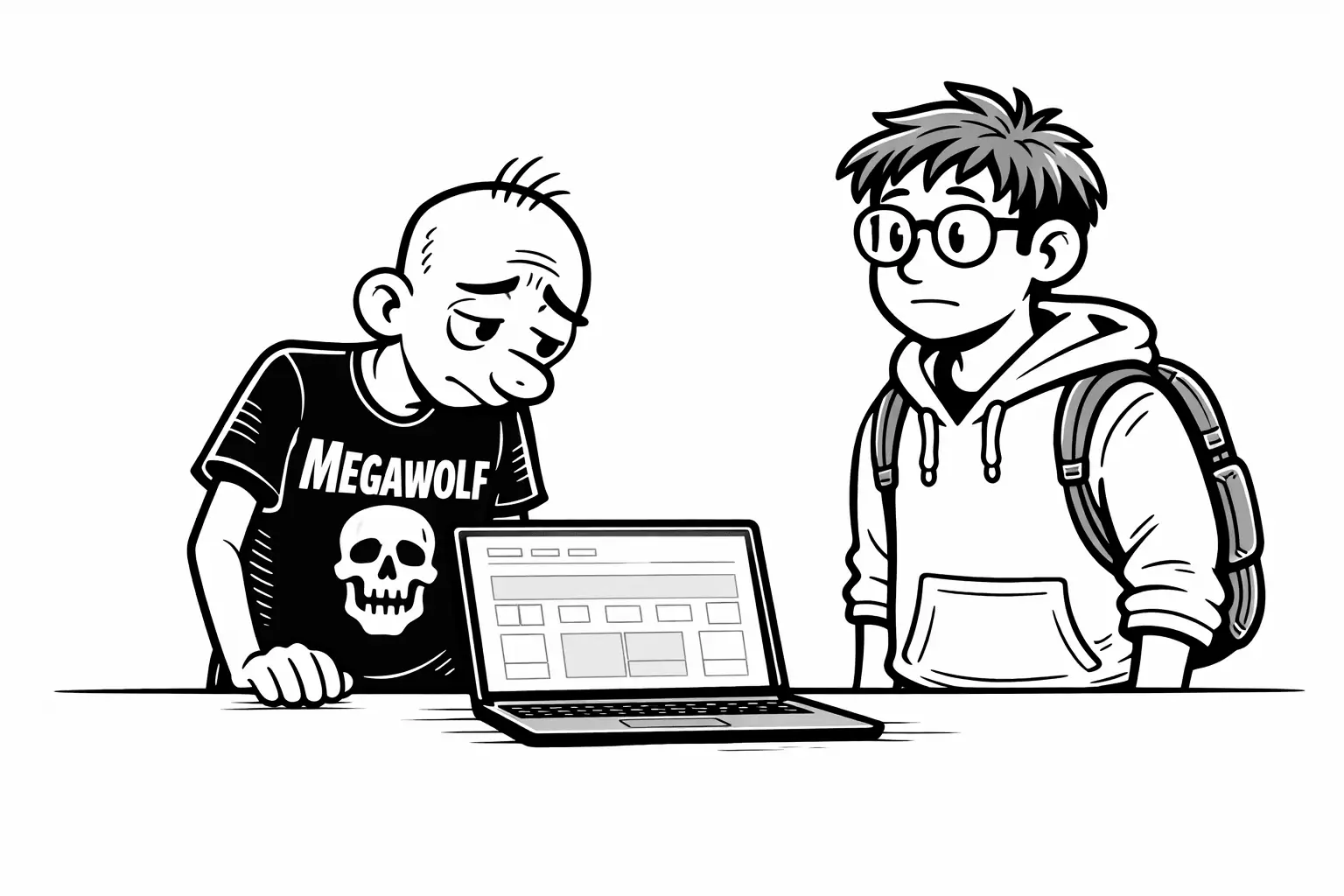
Gary says it slowly.
Not angry.
Just tired.
“All the records,” he says.
“And all the artists.”
He gestures toward the shelves.
“That took years.”
Sam stops him
“No,” Sam says immediately.
Gary looks up.
“No one does that,” Sam continues.
“And you shouldn’t either.”
Sam pulls the spreadsheet back into view.
“You already did the hard work,” he says.
“We just need to move it.”
From Excel to something portable
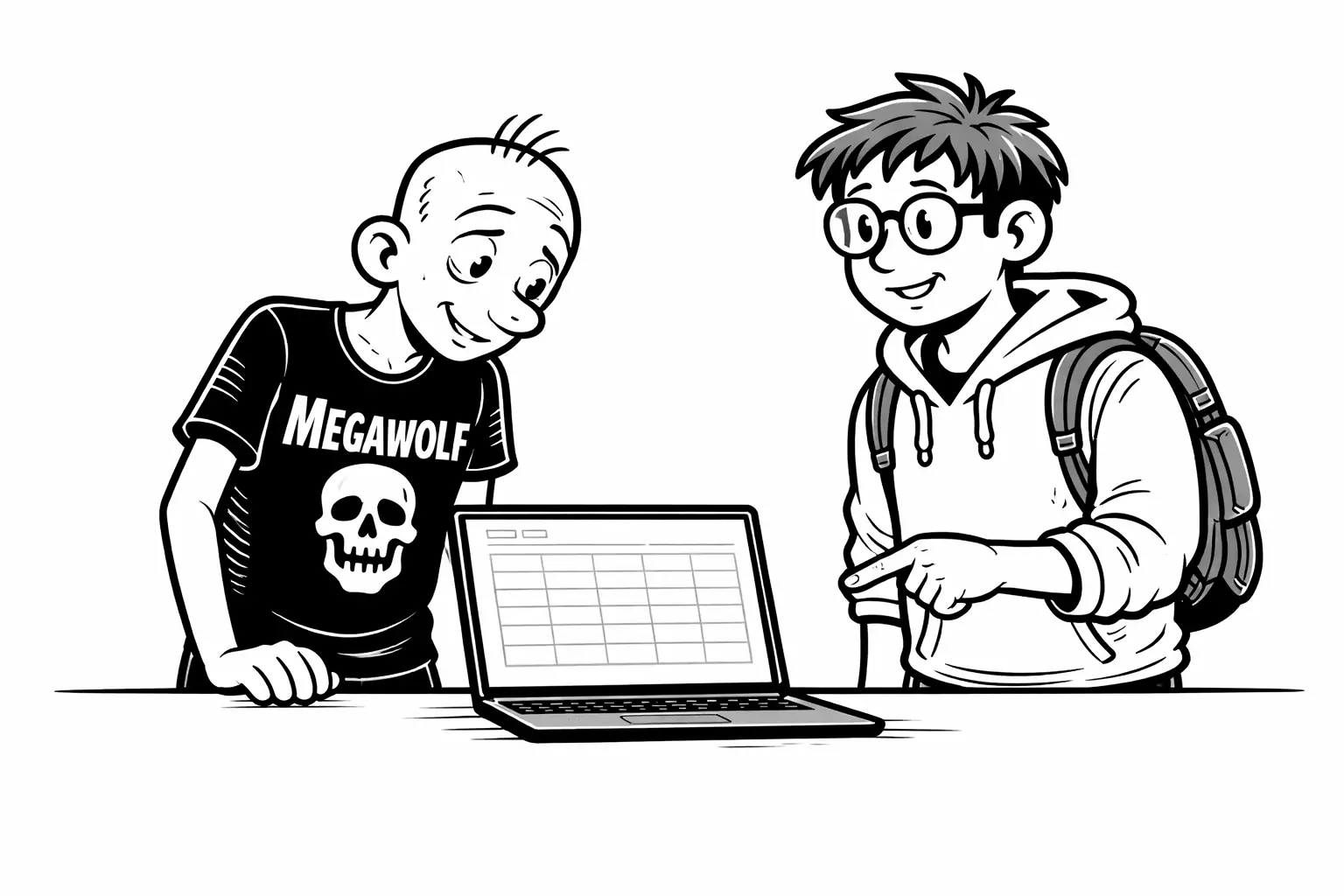
Sam explains it simply.
“Excel is great for working,” he says.
“But when you want to move data, you freeze it.”
He saves the sheet as a CSV.
No formulas.
No colors.
Just rows and values.
“A CSV is just a list,” Sam says.
“It doesn’t think. It doesn’t decide.”
“That’s exactly what we want.”
How Minyu knows what goes where
This is the part Gary expects to be messy.
“Okay,” he says.
“But how do we tell the system what belongs in which column?”
Sam shakes his head.
“We already did.”
He points back to the earlier step — the names they chose.
“When we created the tables, columns, and relations,” Sam says,
“we gave them stable API names.”
Gary remembers those fields.
The ones Sam told him not to worry about yet.
“This is why they matter,” Sam continues.
Those names aren’t just internal labels.
They are:
- what the system uses when data is imported
- what it uses when data is exported
- and what the API uses, if Gary ever uses it
The same names everywhere.
So in the CSV, the headers use those API names.
Minyu doesn’t need a separate mapping step.
It reads the header.
It recognizes the target.
It places the values automatically.
No dragging boxes.
No manual alignment.
Just matching names —
the same ones, in every direction.
Relations come along the same way
Gary still looks skeptical.
“Records and artists are linked,” he says.
“How does that survive a CSV?”
Sam explains it in the same calm tone.
“The relation has an API name too,” he says.
“So the CSV can include it the same way it includes a column.”
If the file says which artists belong to a record
using the relation’s API name,
Minyu knows what connection to create.
And if something doesn’t match,
Minyu doesn’t guess.
It stops.
That part makes Gary feel safer immediately.
Import is a step, not a leap
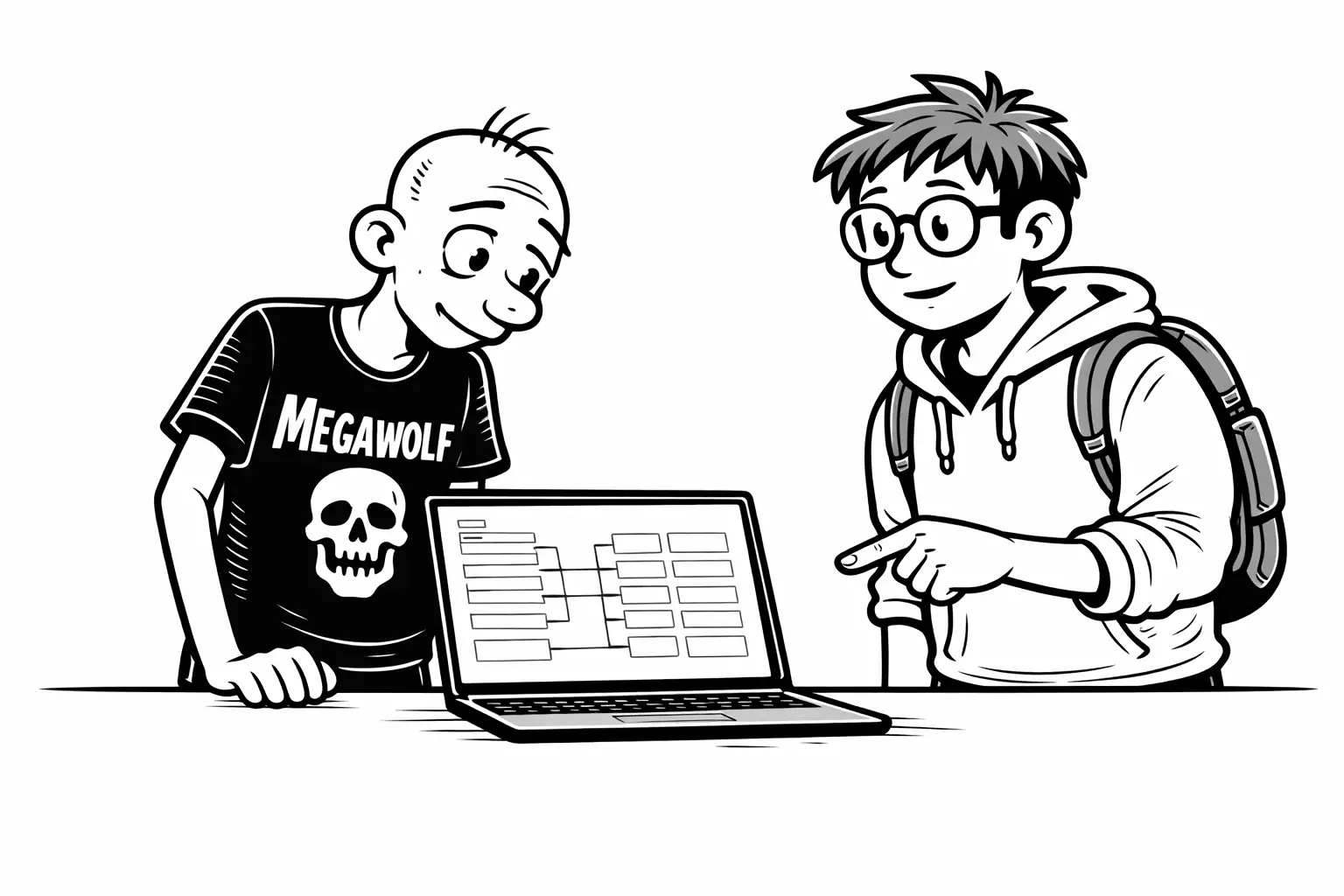
Gary expects the import to be risky.
Sam shakes his head.
“This part is boring,” he says.
“And that’s good.”
The file is just a zip with CSV files inside.
Because the headers use the same API names they already chose,
the system knows where everything belongs.
There’s no mapping step.
No adjustments.
Before anything is saved, the system checks the structure.
If something doesn’t fit,
it doesn’t go in.
Instead, Gary gets a clear list of errors
before deciding whether to proceed with the full import.
Gary realizes this isn’t about speed.
It’s about moving data
without changing what it means.
The relief comes quietly
When the import finishes, nothing dramatic happens.
The tables are filled.
The relations hold.
The data looks… familiar.
Gary doesn’t smile.
He exhales.
“This,” he says,
“feels like I didn’t lose anything.”
Sam nods.
“That’s the point.”
What changed
Gary didn’t move faster.
He moved safer.
The data didn’t get smarter.
It got anchored.
For the first time, Gary knows:
- the structure won’t bend
- the data won’t drift
- and the next step won’t erase the last one
Continue reading
Now that records and artists are in place, Gary finally asks the question he’s been circling.
“If the system can see a mistake — can it also stop it?”