Configure a calendar view
Calendar views display rows that contain time range columns.
Open the view configuration
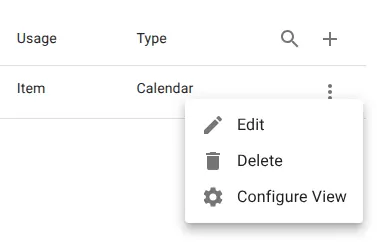
- Locate the view.
- Open the row menu.
- Select Configure View.
Configure the calendar
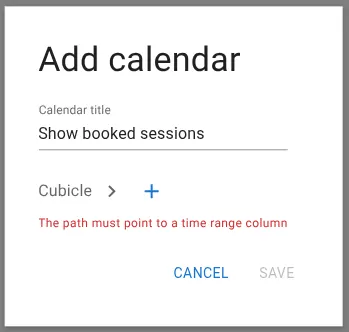
Provide a calendar title.
Select a time range path
Click +.
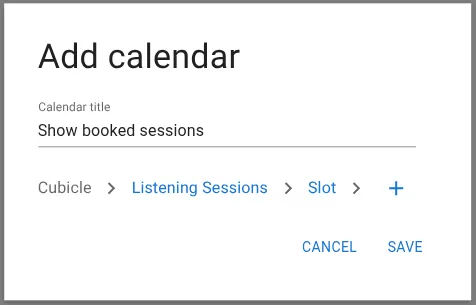
Choose a path that leads to a time range column.
Example:
Related resources
Understand the concept