Explore the data architecture
The architecture view visualizes how tables, relations, columns, and rules are connected.
Open the architecture view
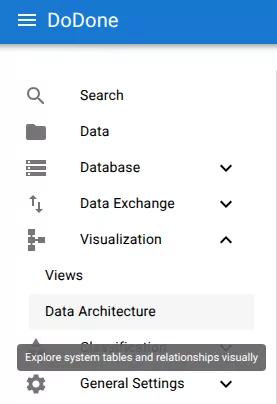
Navigate to:
Visualization → Data Architecture
Select a table
Choose a table to explore.
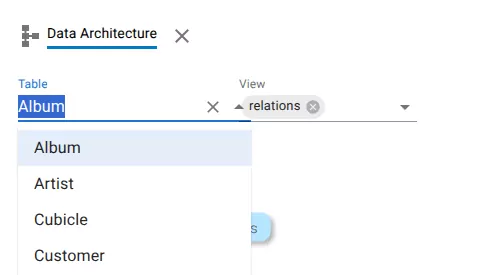
The architecture graph will display the selected table and its connected structures.
View relations
Relations between tables can be visualized.
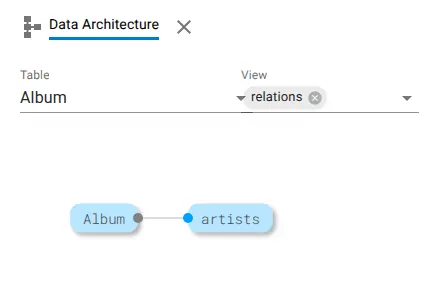
Each node represents a table, and connections represent relations.
Change the visualization type
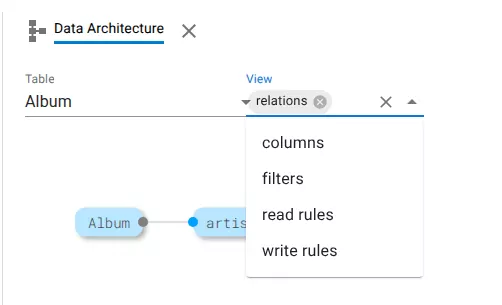
Use the View selector to choose what should be displayed.
Available options include:
- relations
- columns
- filters
- read rules
- write rules
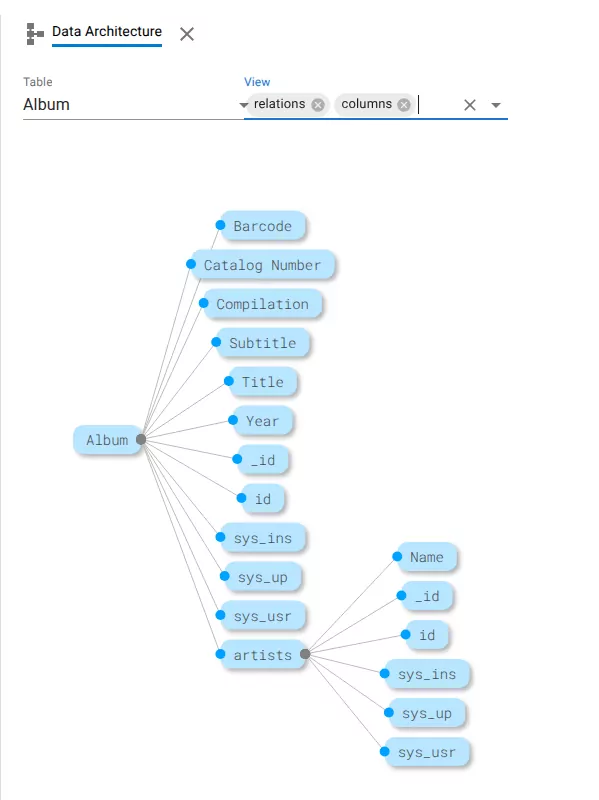
View columns
The columns view displays columns connected to the selected table and related tables.
View rules
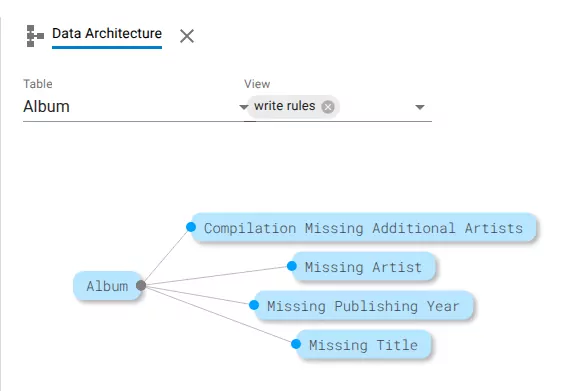
Rules connected to a table can also be visualized.
Example: write rules.
The architecture view helps understand how the data model is structured and how tables interact.
Related resources
Understand the concept