Delete a table tag
Open table tags
Navigate to:
General Settings → Table Tags
Delete the tag
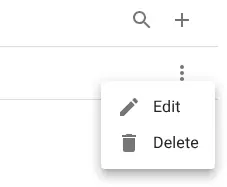
Open the row menu and select Delete.
Confirm the deletion in the dialog.
Related resources
Understand the concept
Navigate to:
General Settings → Table Tags
Open the row menu and select Delete.
Confirm the deletion in the dialog.
Understand the concept