Export personal data
Personal data exports are executed directly from the data interface.
Prerequisite: A GDPR configuration must exist before this action can be used — see Configure GDPR settings.
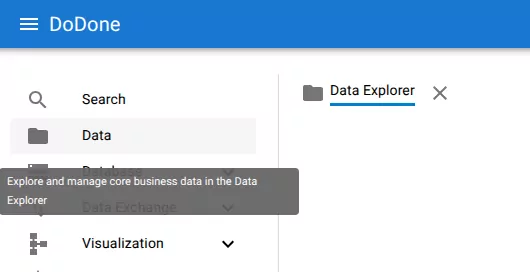
Open the data explorer
Navigate to:
Data → Data Explorer
Locate the row
Load the row representing the person whose data should be exported.
Open the action menu
Click the three-dot menu on the row.
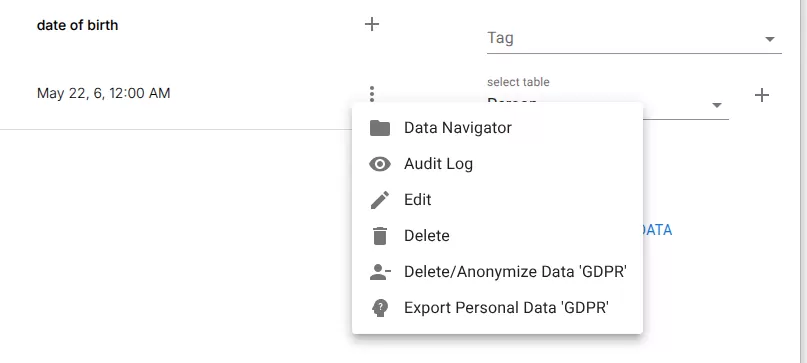
Select:
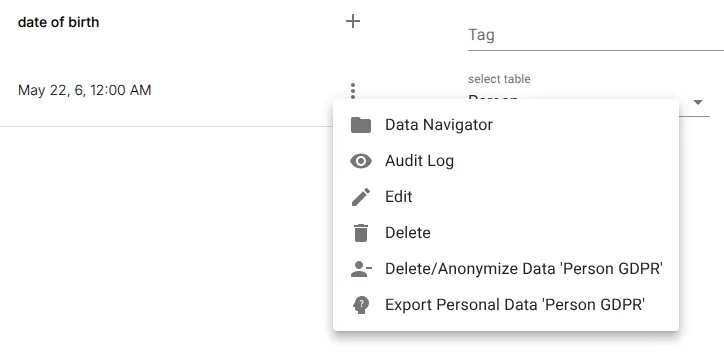
Export Personal Data 'GDPR'
Download the export
A ZIP archive is generated automatically.
The archive contains:
- configured personal data
- related records
- audit history
- access log history
Related resources
Understand the concept