Edit a mutation web hook
Mutation web hooks can be updated after they have been created.
Open the mutation web hooks view
- Open the main navigation menu.
- Navigate to:
Data Exchange → Mutation Web Hooks
Open the web hook menu
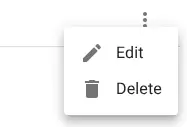
Locate the web hook and open the row menu.
Edit the web hook
Select Edit.
Update the configuration
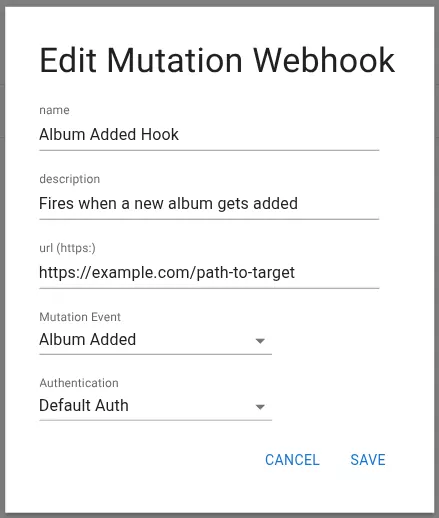
Modify the configuration fields as needed.
You can change:
- Name
- Description
- URL
- Mutation event
- Authentication configuration
Save the changes
Click Save.
Related resources
Understand the concept