View import errors
Imports are validated before they are executed.
If validation problems are found, they can be downloaded as an Excel file.
1. Open the import menu
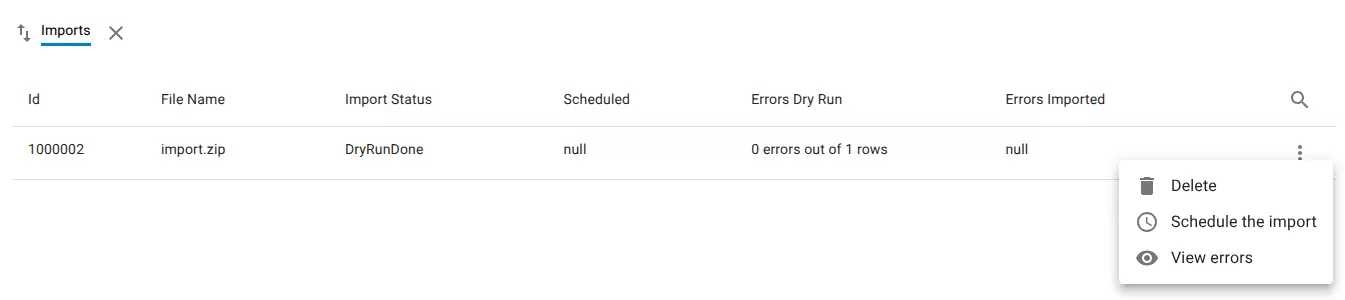
In Data Exchange → Imports, locate the import.
Open the row menu.
2. Download the error report
Select View errors.
The system generates and downloads an Excel file containing the validation results for the import.
3. Review the errors
Open the downloaded Excel file to review the reported problems.
The file lists any rows that produced errors during validation or import.
Related resources
Understand the concept