Upload an import file
Imports allow you to upload data into the system using a zip file.
1. Open the import endpoint
Open the following URL in your browser:
https://minyu.dodone.tech/import
This page allows you to upload an import file.
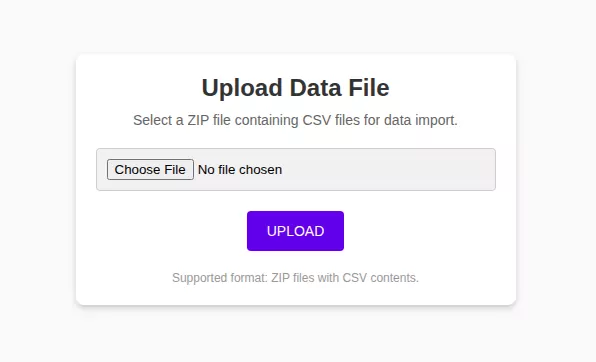
2. Upload the zip file
Select the zip file containing the data to import.
After uploading the file, the system schedules the import for processing.
3. Open the imports view
Navigate to:
Data Exchange → Imports
The uploaded file now appears in the imports list.

The import is first executed as a dry run to validate the data before it is imported.
Related resources
Understand the concept