Delete an export
Exports can be removed when they are no longer needed.
Deleting an export removes the export configuration.
1. Open the exports view
Open Data Exchange → Exports from the navigation menu.
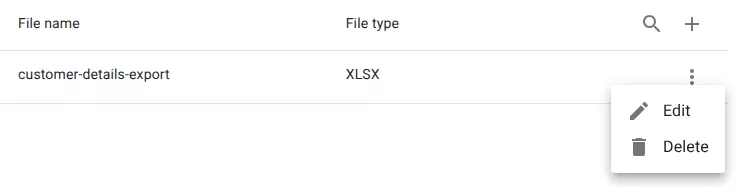
Locate the export you want to delete.

2. Open the export menu
Click the menu icon at the end of the row.
This opens the actions menu for the export.
3. Select delete
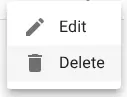
Choose Delete from the menu.
4. Confirm the deletion
A confirmation dialog will appear.
Click OK to permanently delete the export.

Related resources
Understand the concept