Edit a time interval
You can change the configuration of an existing time interval at any time.
Open time intervals
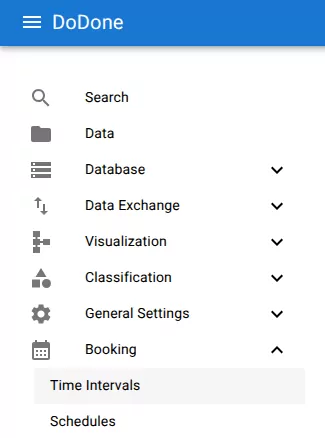
Navigate to:
Booking → Time Intervals
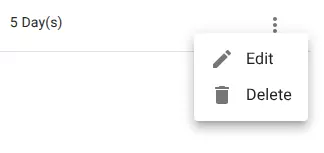
Open the edit menu
Open the row menu and select Edit.
Update the configuration
Modify the interval as needed.
You can change:
- name
- description
- repeating pattern
- duration
Save changes
Click Save to apply the changes.
Schedules using this interval will use the updated configuration.
Related resources
Understand the concept
Reference