Create a time interval
Time intervals define repeating time patterns that schedules use to generate time slots.
Open time intervals
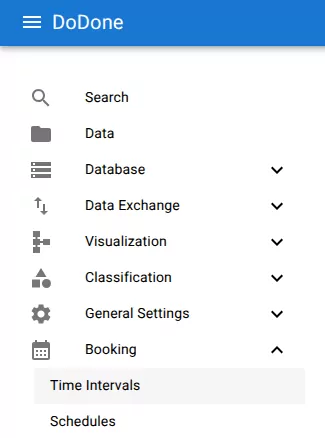
Navigate to:
Booking → Time Intervals
Create the interval
Click the + icon.
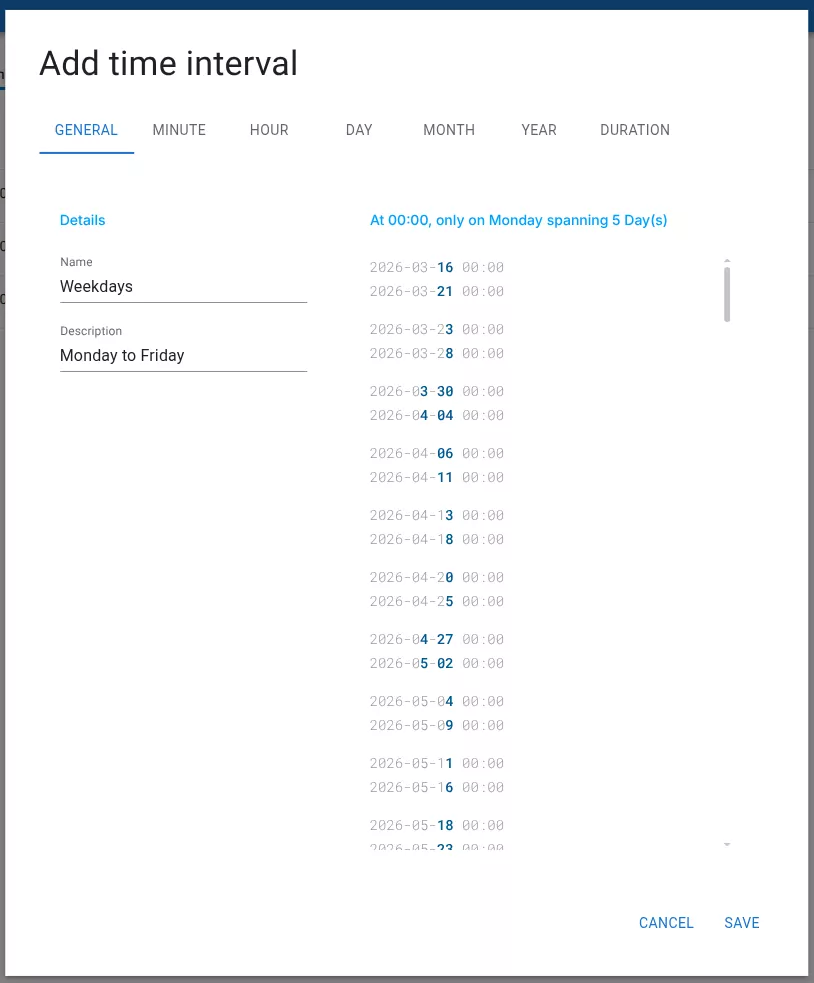
This opens the Add time interval dialog.
Configure the interval
Provide:
Name
A descriptive name for the interval.
Examples:
Every Hour
Weekdays
Opening Hours
30 minutes
1 hour
5 days
Related resources
Understand the concept
Reference